

How to
How to use
From choosing your land to checking a layout and taking it into the field.
01
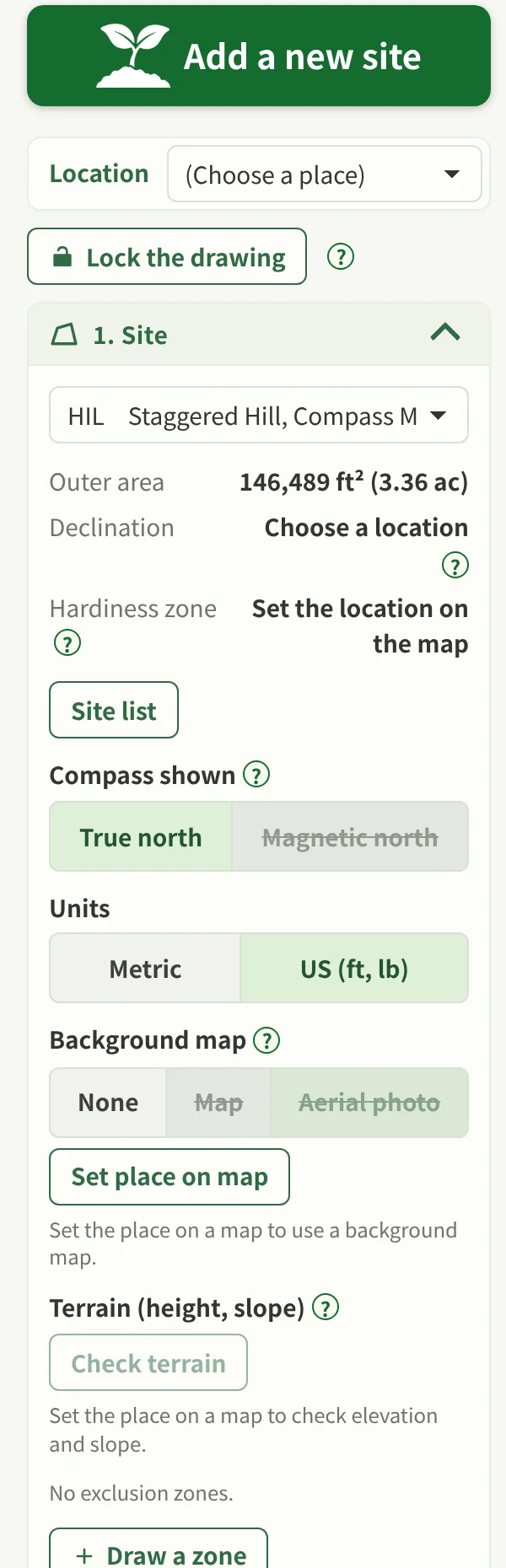
Add a site
Add the land you are planning for and set its shape and basic conditions. You can also open a sample site to try the screens.
02
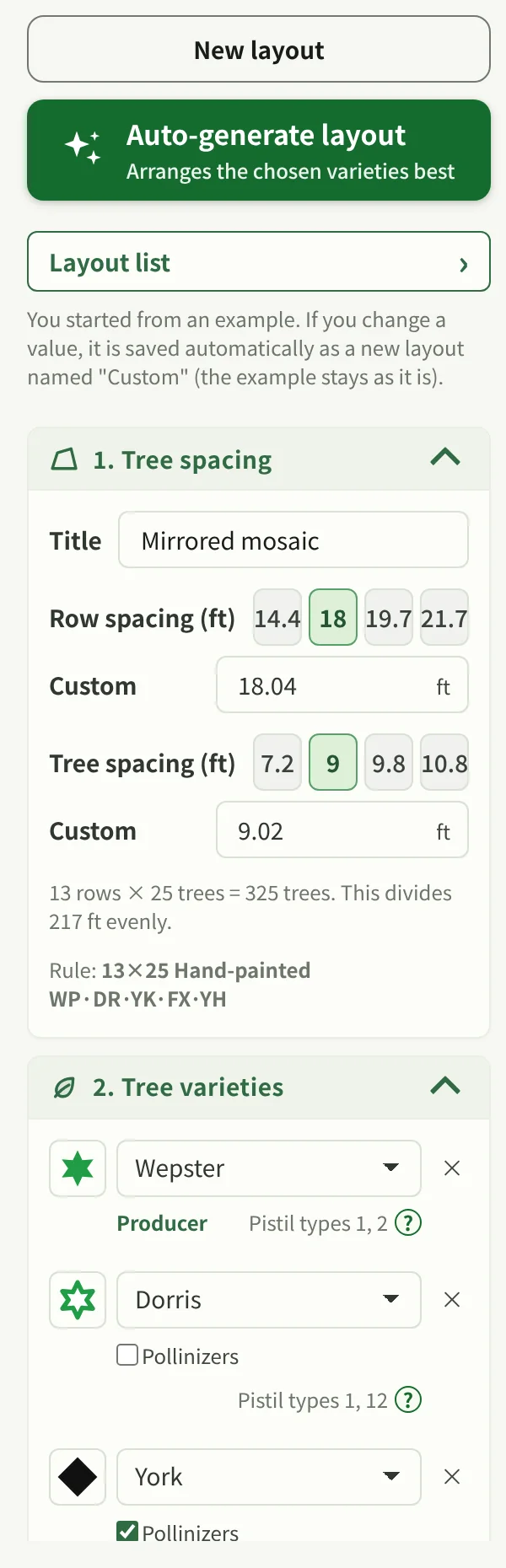
Choose the varieties
Pick the varieties to use as producer trees and as pollinizers.
03
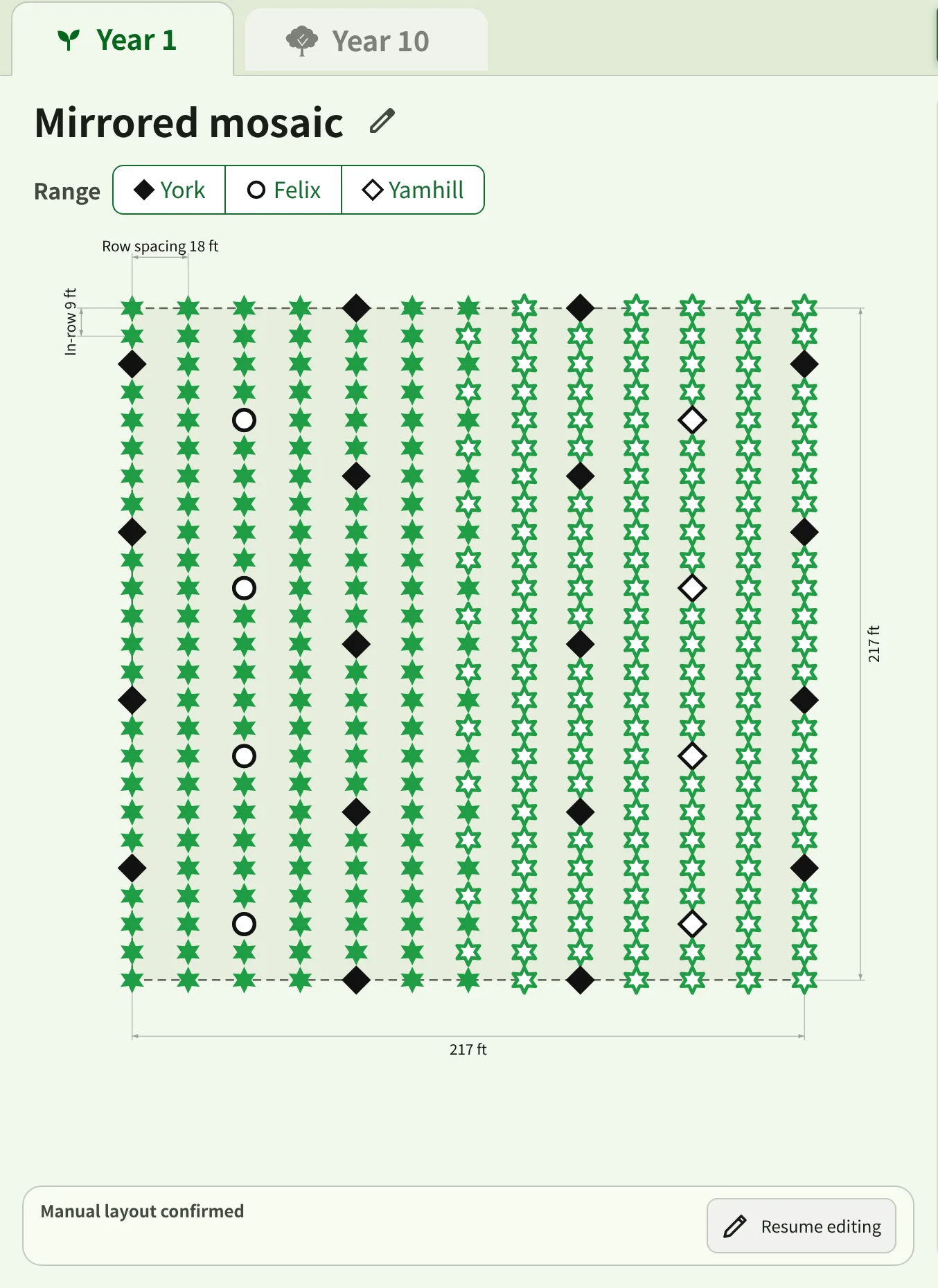
Make a tree layout
Set row and tree spacing and the planting pattern. You can also generate a layout automatically.
04
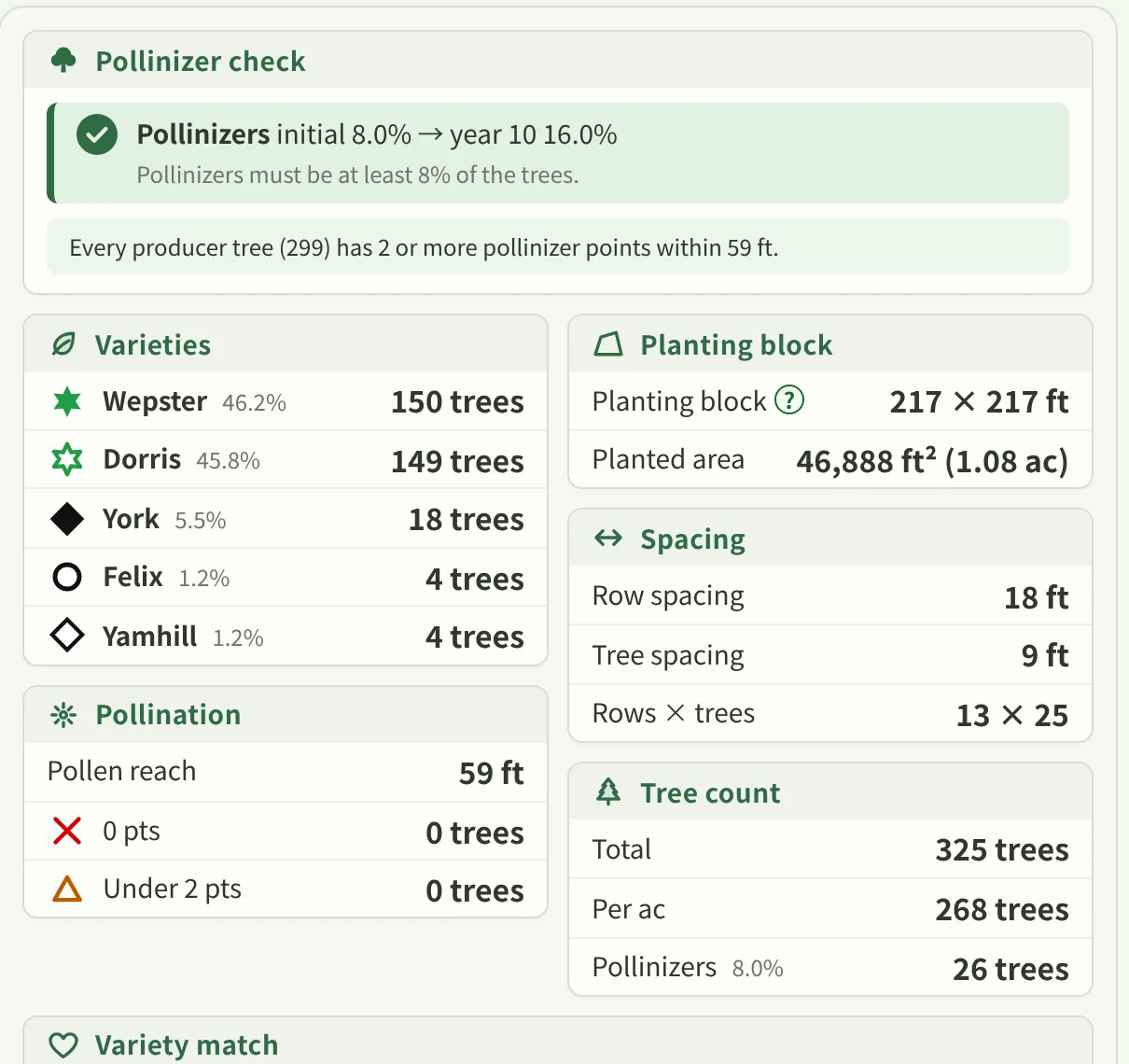
Check pollination balance
Look at the pollinizer share, distances and compatibility.
05
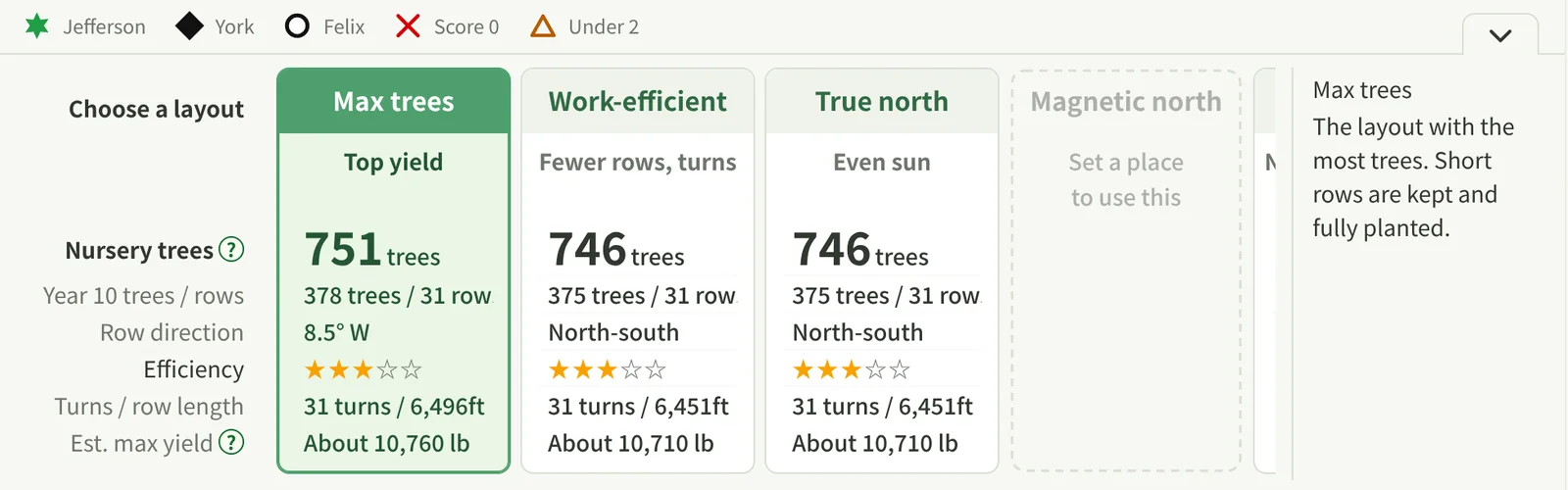
Compare plans
Weigh the candidates by counts, workability and direction.
06
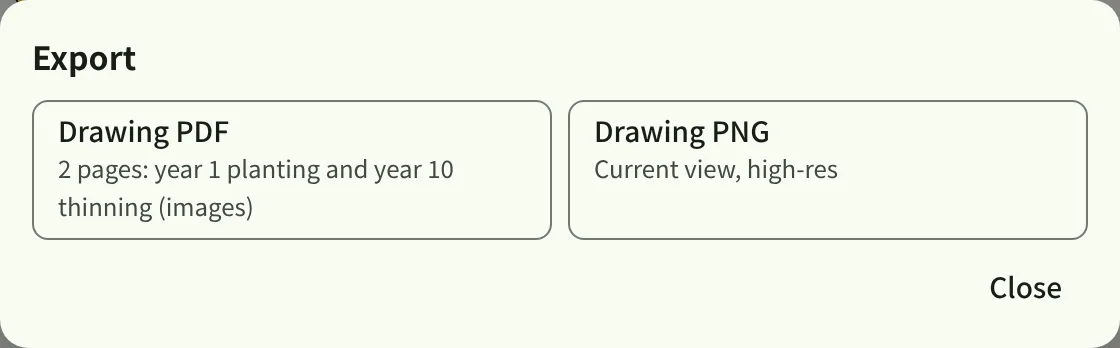
Export and take it to the field
Export the plan as PDF or PNG and use it for planting and checking.

PRACTICAL TIPS
Getting the most out of it
- Check terrain and orientation first
- Look at several plans instead of settling on one
- Look at where pollinizers are, not only their share
- Compare year 1 with year 10
- Check the plan on screen against the real site at the end
START PLANNING YOUR ORCHARD
Add your land and get started
You can also open a sample site and try how the screens work.